Routes that follow your content
Inject docs routes from your collection without giving up control of the rest of your Astro site.
 Prosefly
Prosefly theme · Astro v7
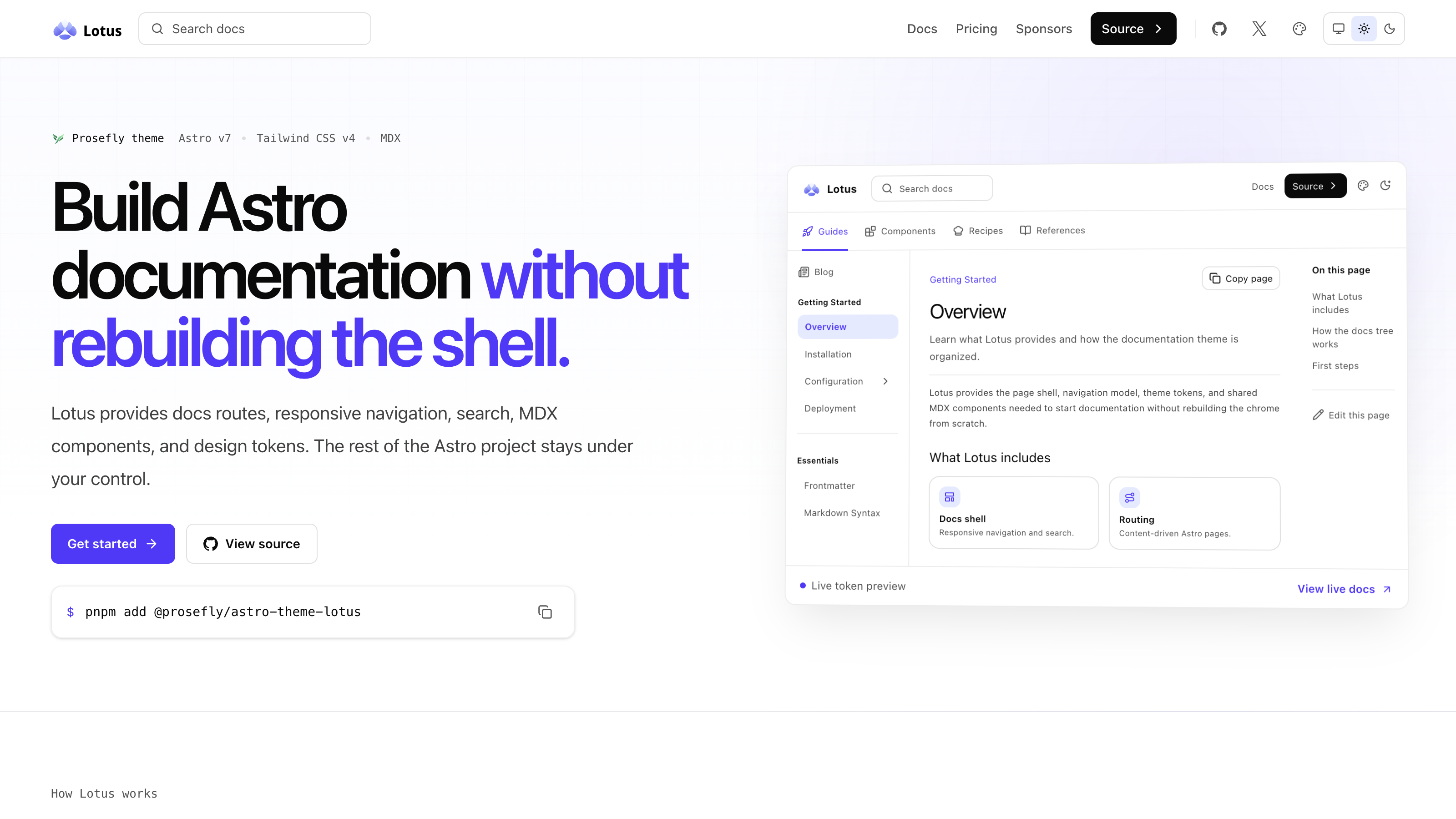
Lotus is an installable Astro theme for teams who want a thoughtful documentation experience without rebuilding the chrome around it.
pnpm add @prosefly/astro-theme-lotus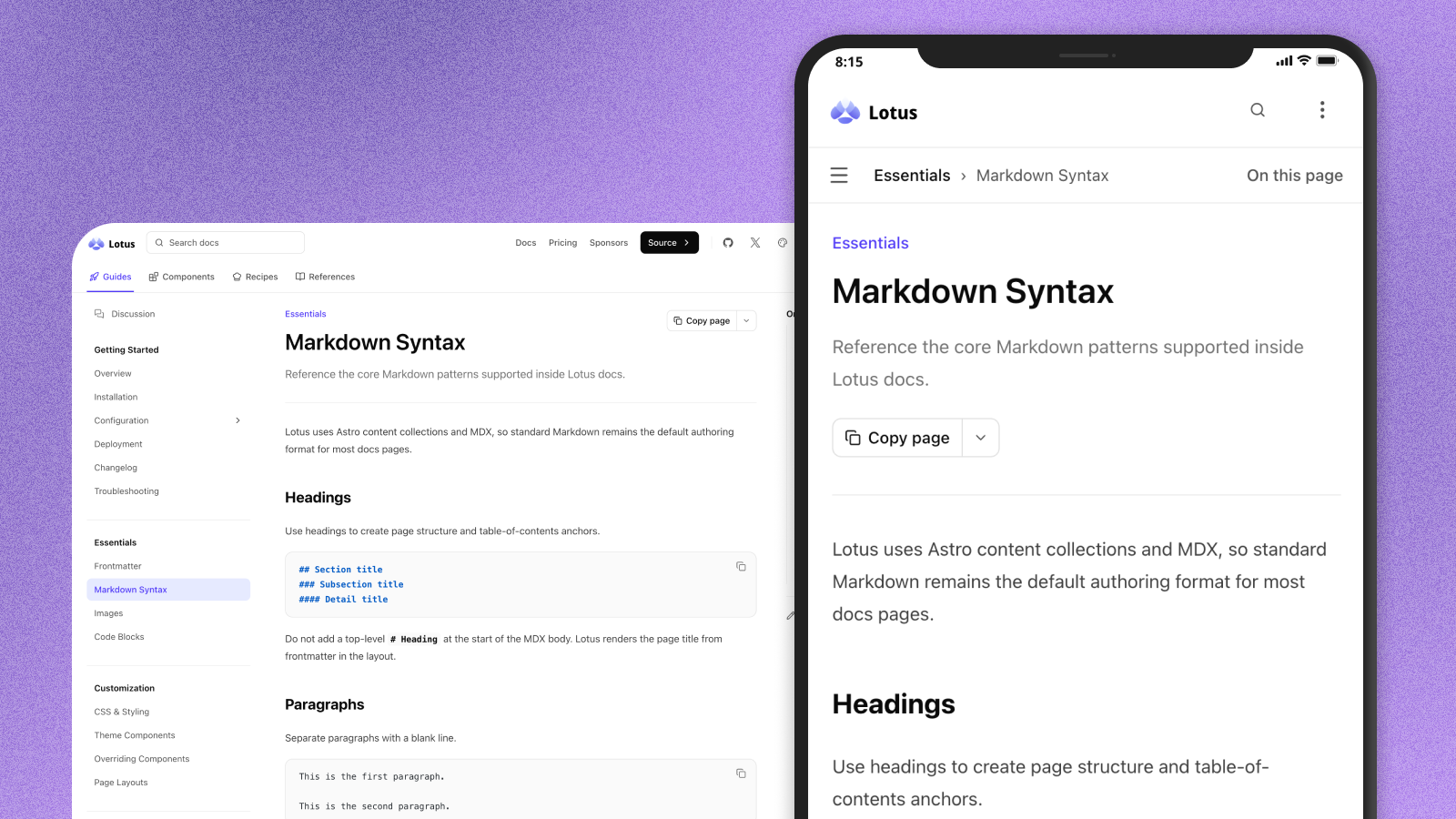
The useful middle layer
Lotus handles the structure that makes documentation feel complete, while your Astro project remains yours.
Inject docs routes from your collection without giving up control of the rest of your Astro site.
Header, subnav, sidebar, breadcrumbs, page actions, and table of contents work together out of the box.
Compose guides with callouts, cards, tabs, steps, accordions, file trees, and expressive code blocks.
Choose local search, Pagefind, or DocSearch while keeping the surrounding page experience consistent.
Tune the visual language with semantic CSS tokens for accent, gray, radius, type, and surfaces.
Keep routes, UI messages, edit links, and generated metadata aligned across locales.
A complete docs shell
Lotus connects your content collection to generated routes, responsive navigation, search, and a calm reading experience. You keep writing; the theme keeps the interface coherent.
Choose a template
Lotus Starter gives you the docs shell. Lotus Pro adds the product surfaces around it, including an API reference powered by Astro OpenAPI.
A documentation starter with Lotus navigation, MDX components, and example content. Configure the theme and start writing.
A product documentation template with API reference pages, releases, milestones, and blog examples already wired up.
Light and dark, by default
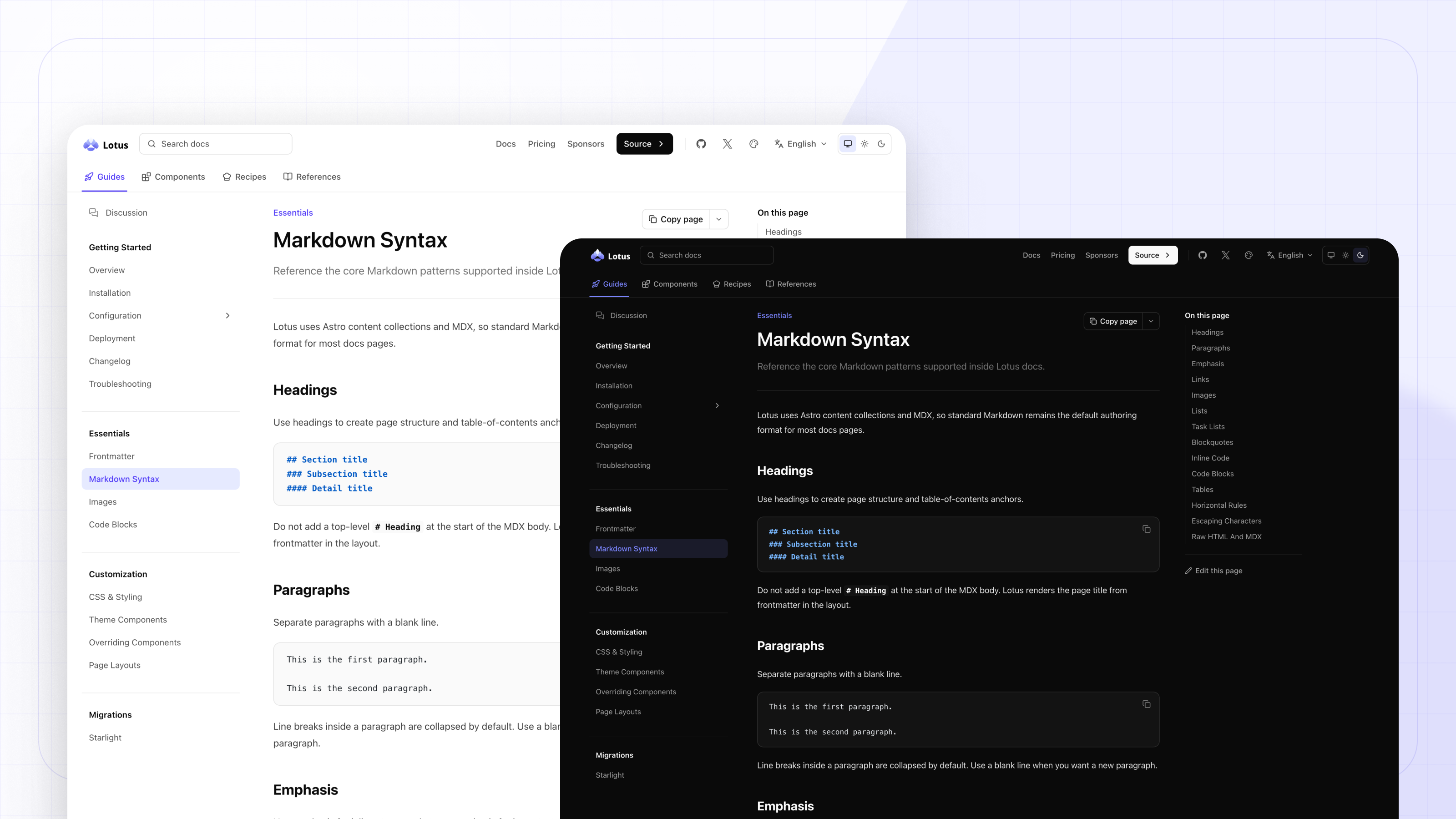
Use the built-in appearance controls or bring your own palette. Accent, gray scale, radius, typography, and dark mode are all exposed as semantic tokens.
Designed for real projects
The shell adapts around your content at every breakpoint, with compact controls and readable typography that make long-form documentation comfortable anywhere.
A small setup surface
Install the theme, point it at your content, and keep extending your site through Astro’s own primitives.
{
  "$schema": "https://prosefly.dev/schema/lotus.json",
  "name": "My Docs",
  "appearance": {
    "accent": "violet",
    "defaultMode": "system",
    "radius": "medium"
  },
  "docsNav": [
    { "label": "Guides", "items": ["overview", "installation"] }
  ]
}Use the stable schema URL for editor autocomplete and validation, then override only the pieces your project needs.
Open the schemapnpm add @prosefly/astro-theme-lotus @prosefly/astro-componentsYour next docs site
Bring Lotus into your Astro project and start with a shell that is already considered.